> For the complete documentation index, see [llms.txt](https://docs.sensori.systems/llms.txt). Markdown versions of documentation pages are available by appending `.md` to page URLs; this page is available as [Markdown](https://docs.sensori.systems/capturing-and-processing/example-captures.md).

# Example Captures

### Example 1: Plant room renovation

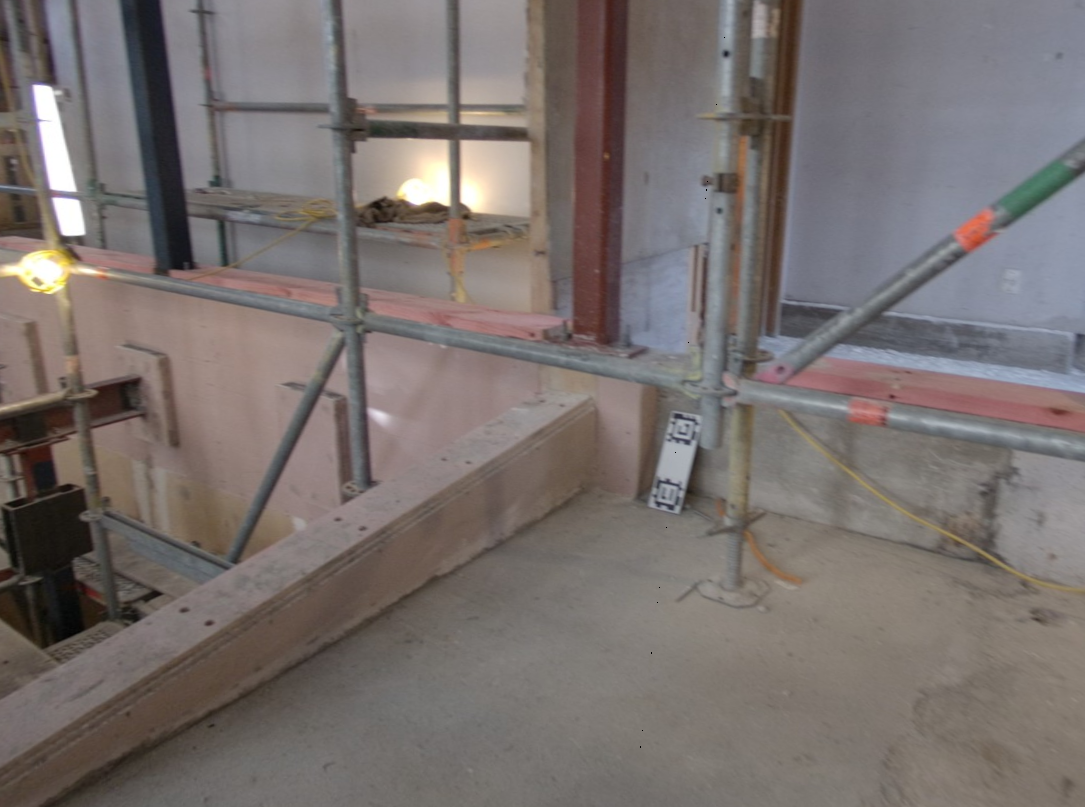
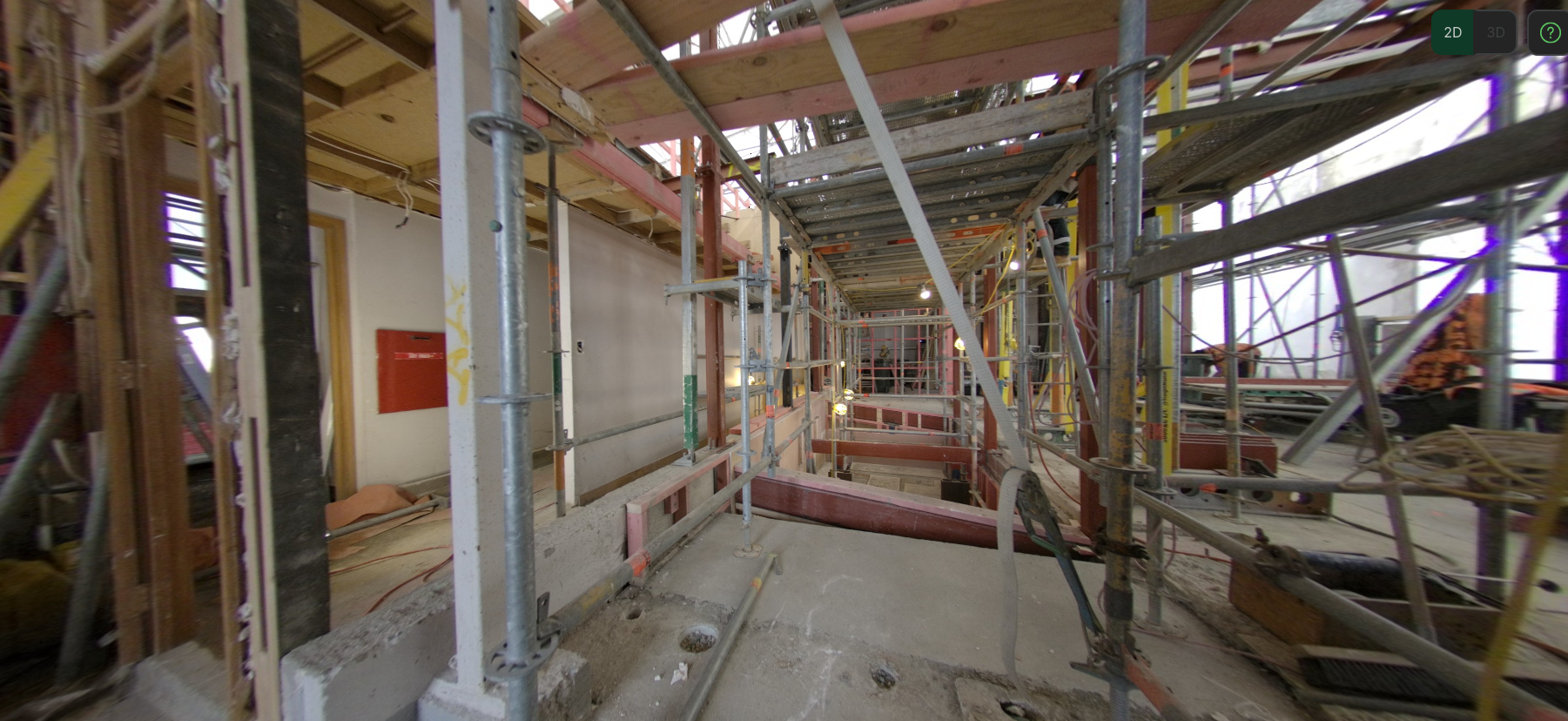
In this case, we have a cluttered environment with scaffolding and other structures limiting visibility.

<figure><img src="/files/18a3dbxMDIneSZO4A9bg" alt=""><figcaption></figcaption></figure>

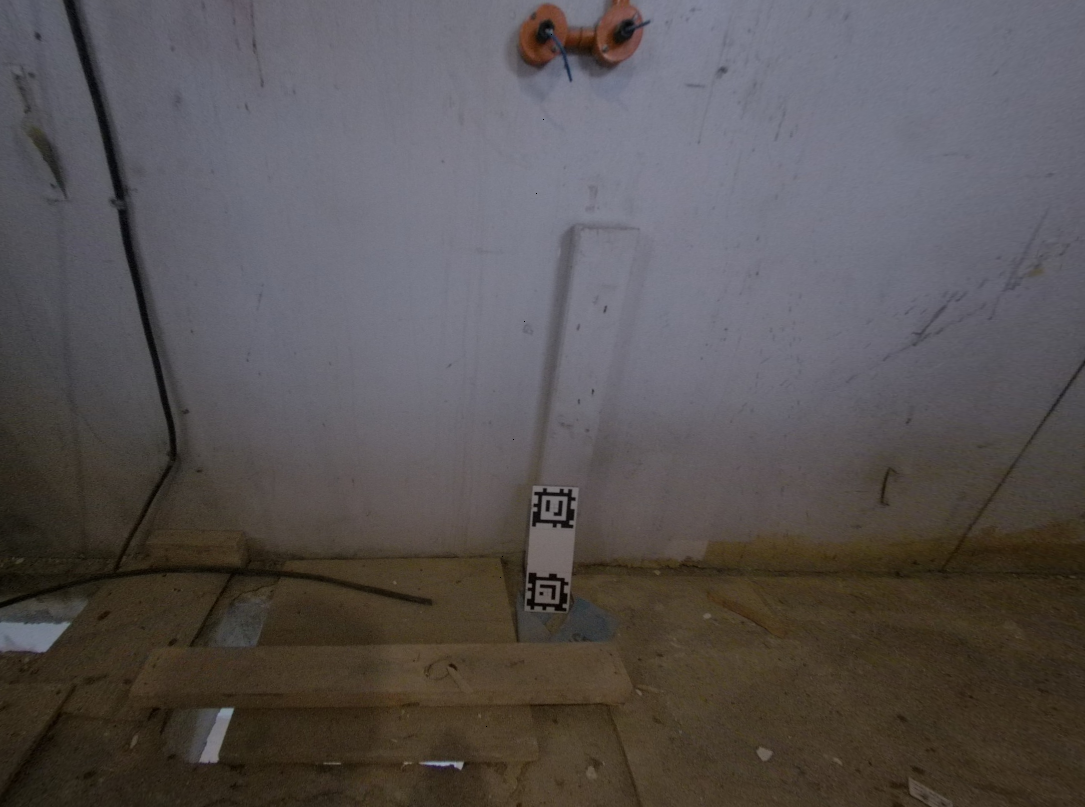
The origin plate and scale plates were placed in locations where they would be as visible as possible, but not at risk of being moved by other workers on site.

<div><figure><img src="/files/lgaFN2RCqR7j2hhgaQRc" alt=""><figcaption></figcaption></figure> <figure><img src="/files/aPePC8LHHqtkxnODkwmc" alt=""><figcaption></figcaption></figure> <figure><img src="/files/DKQV6KzsEusdnXsByTck" alt=""><figcaption></figcaption></figure></div>

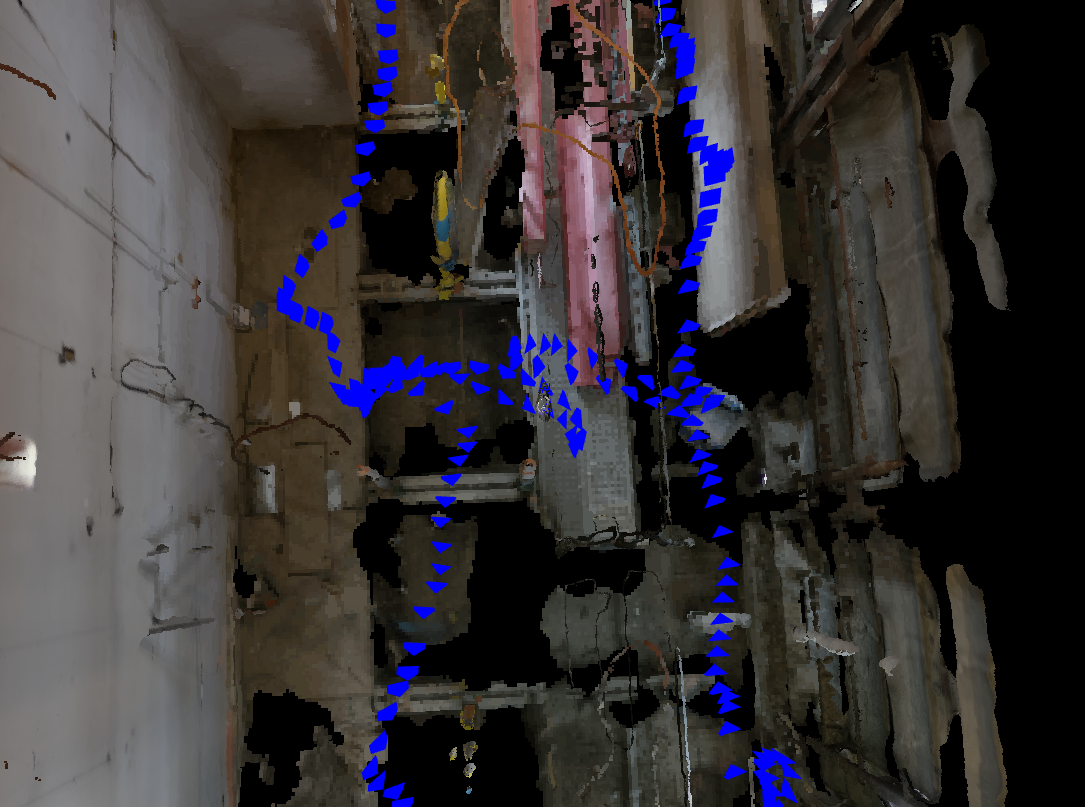
The camera operator walked slowly around the scaffolding, making sure to visit all necessary areas, and getting close to all the targets.  Note the loop closure where possible.

<figure><img src="/files/qbPXM9eZVkC3RVrd3r7Y" alt=""><figcaption></figcaption></figure>

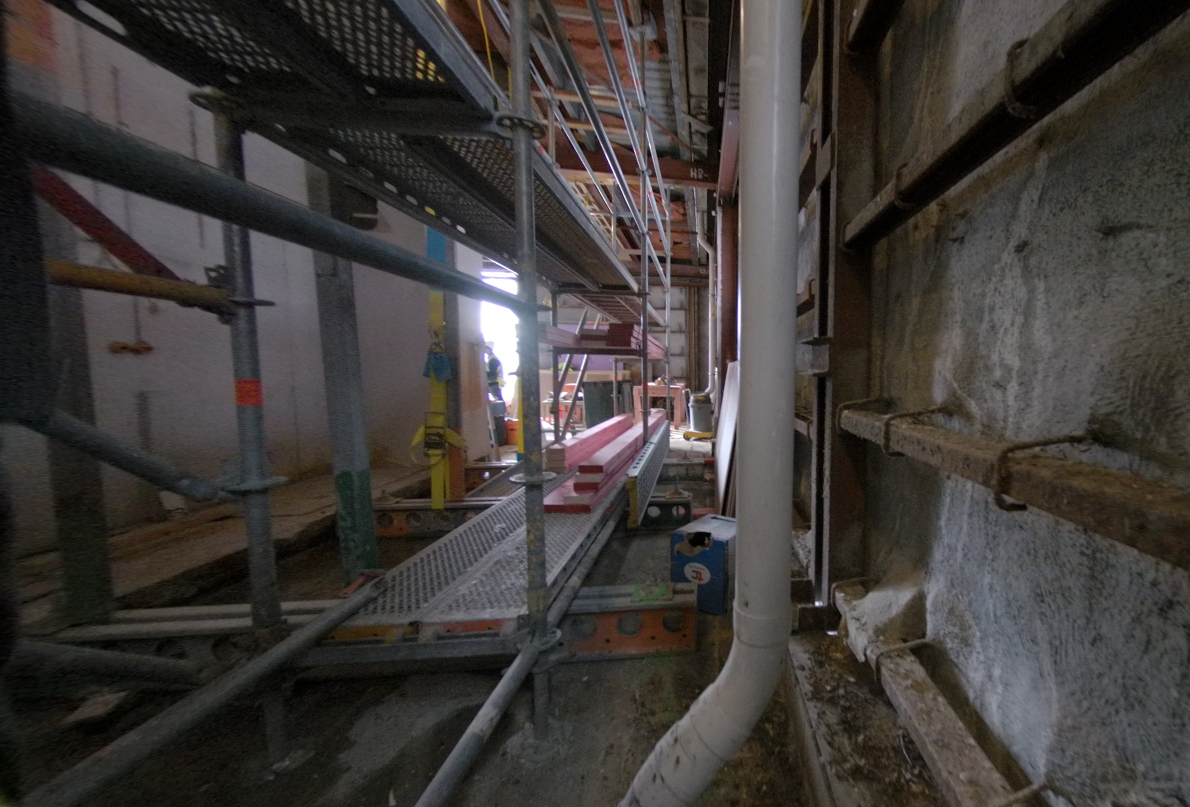
Extra care was taken to ensure full connectivity in this area due to the limited space and low lighting.

<div><figure><img src="/files/cLAdhJKVW5dsvYQ6gQi0" alt=""><figcaption></figcaption></figure> <figure><img src="/files/SVXkflziYn4UPP8al2wZ" alt=""><figcaption></figcaption></figure></div>

### Example 2: Office renovation

In this example we have a 700 square metre office renovation captured after interior demolition.  This situation is easier due to the greater visibility and the entire floor was captured in around 10 minutes.

<figure><img src="/files/mLcBxsvY59ApUZ2ojfbB" alt=""><figcaption></figcaption></figure>

While walking around the site, the camera operator was careful to regularly turn around a full 360 degrees to ensure good coverage in all directions.  You can see that as the small loops in the camera track, some of which have been circled in red here:

<figure><img src="/files/EfAuNX728Z1S37eI3hWj" alt=""><figcaption></figcaption></figure>

Care was taken to ensure loop closure through this gap where walking was not possible by turning the camera around on both sides of the gap.

<figure><img src="/files/ovJ8HajIaoJR9SSME8yk" alt=""><figcaption></figcaption></figure>

### Example 3: Uncovered car park

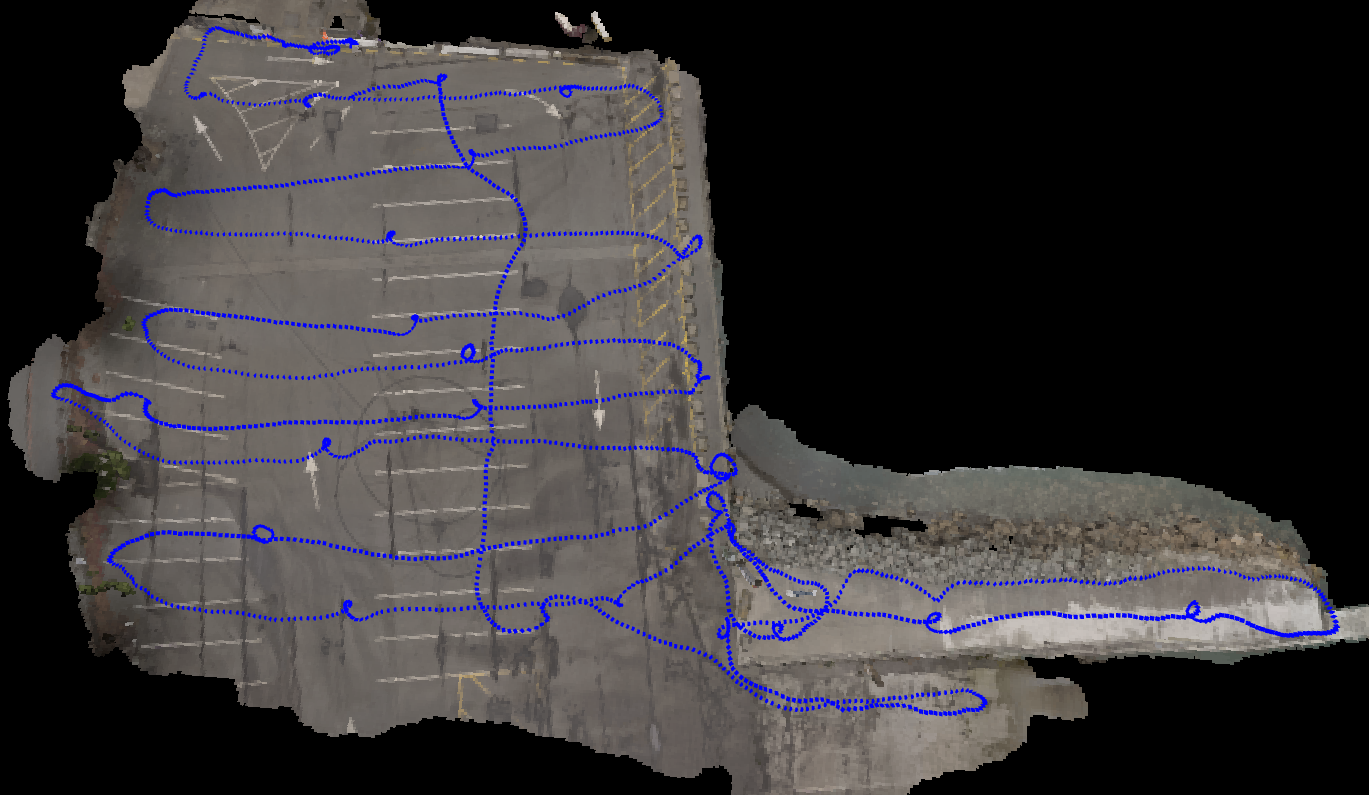
For large open areas such as this 3000 square metre uncovered car park, we recommend mounting the camera facing downwards onto a 2 metre monopod.  This provides better visibility of the ground than when hand-holding the camera.

<figure><img src="/files/3VrHUfwCJuwUK62bVD3i" alt=""><figcaption></figcaption></figure>

When walking around the site, the camera operator followed a regular side to side pattern as shown here.  After traversing the site, they walked back through the middle to ensure strong loop closure.  Note the full 360 degree turns used in the middle of the space to help with that closure.  For reference, this capture took around 11 minutes.

<figure><img src="/files/IE0UYdEST7r8wAqQTu6I" alt=""><figcaption></figcaption></figure>

### Example 4:  Pipe upgrade

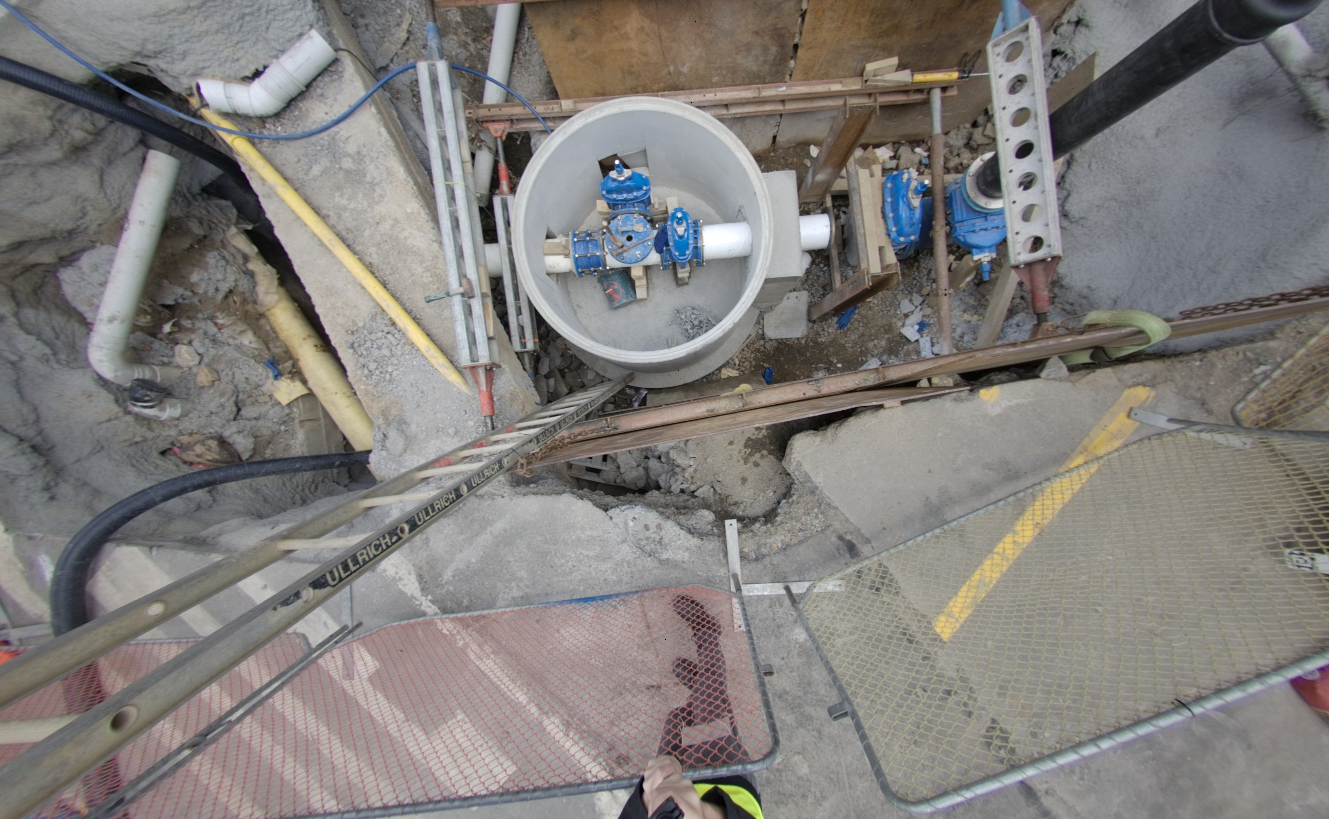
Here is another example of mounting the camera to a monopod.  In this case, the monopod was used to provide better visibility while maintaining a safe distance from the excavated pipe.

<figure><img src="/files/bUCVew9mVuxb9zWnC53e" alt=""><figcaption></figcaption></figure>

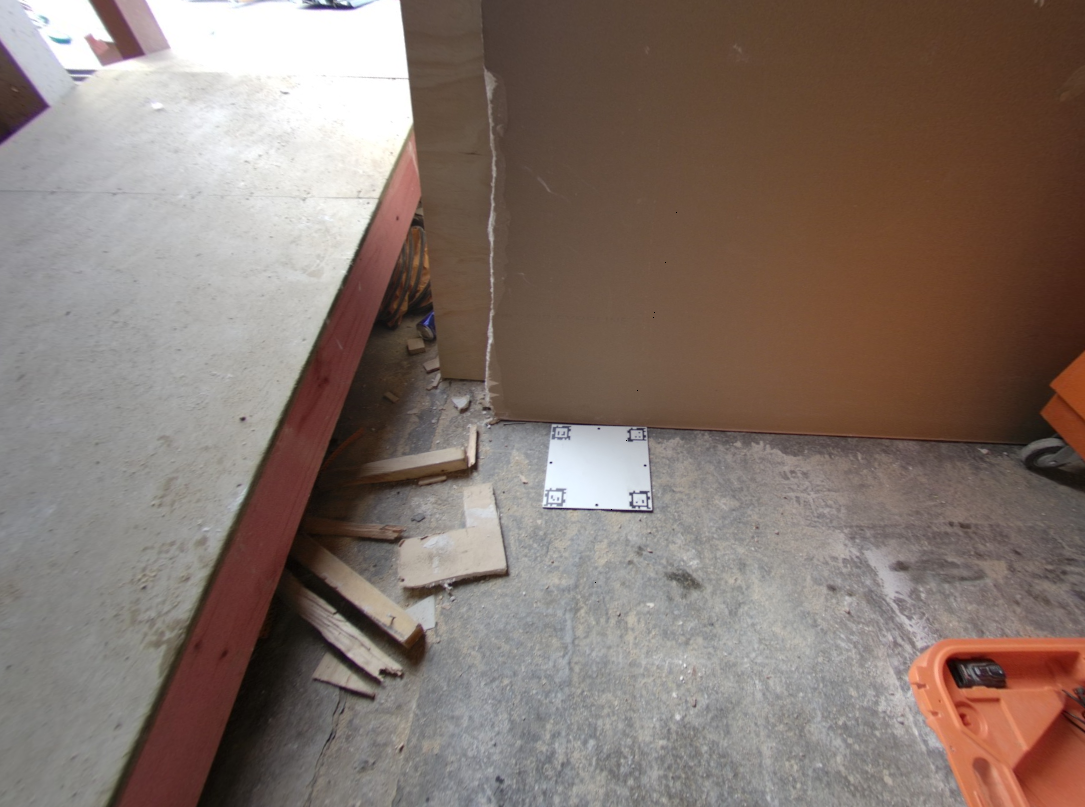
Origin and scale plates were placed in visible locations with low risk of being stepped on.

<figure><img src="/files/hTPHqq86FItpLL7a3pwE" alt=""><figcaption></figcaption></figure>

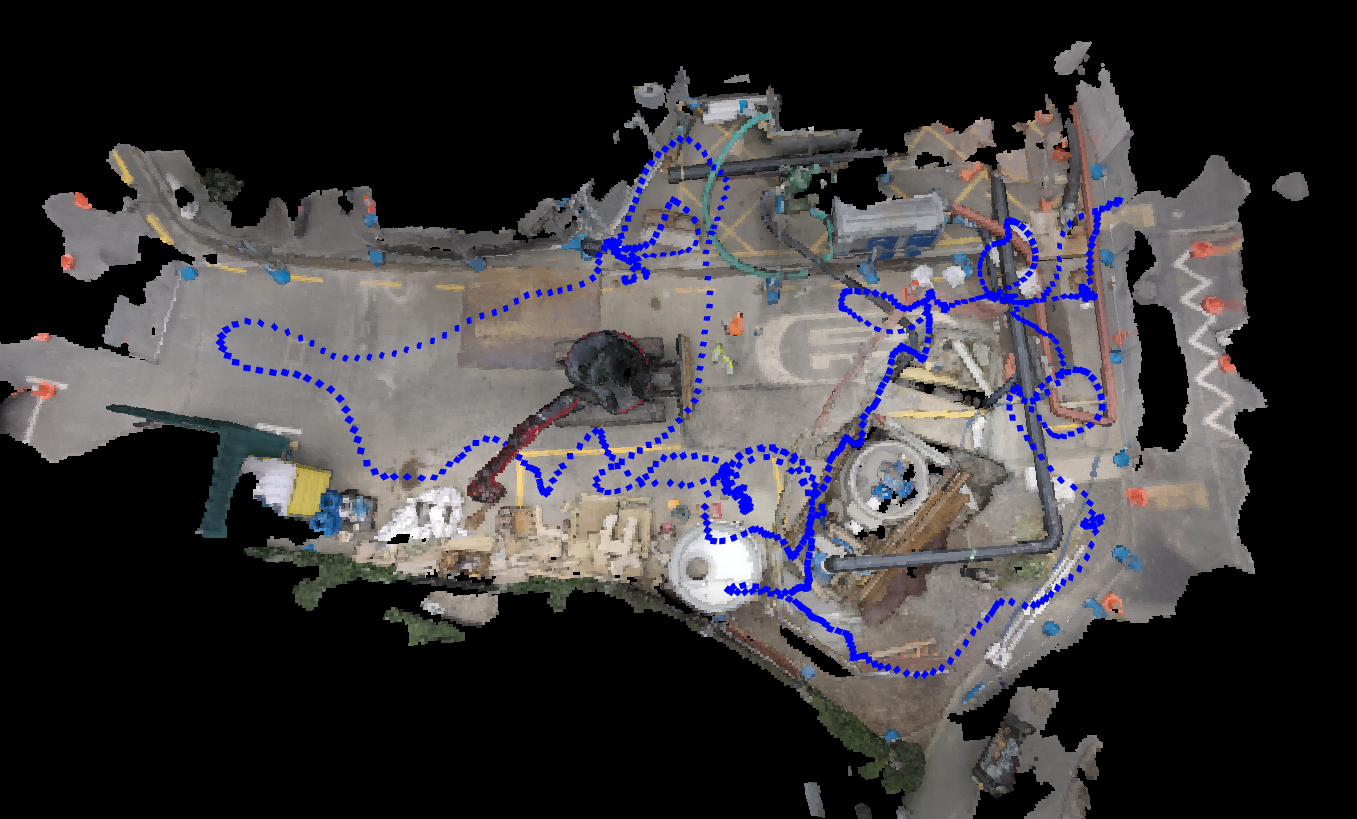
A full circuit around the excavation and surrounding environment was performed to ensure plenty of image coverage of important details.
<figure><img src="/files/dBN0U0OJZU373u99cbiK" alt=""><figcaption></figcaption></figure>


---

# Agent Instructions
This documentation is published with GitBook. GitBook is the documentation platform designed so that both humans and AI agents can read, navigate, and reason over technical content effectively. Learn more at gitbook.com.

## Querying This Documentation
If you need additional information that is not directly available in this page, you can query the documentation dynamically by asking a question.

Perform an HTTP GET request on the current page URL with the `ask` query parameter, and the optional `goal` query parameter:

```
GET https://docs.sensori.systems/capturing-and-processing/example-captures.md?ask=<question>&goal=<endgoal>
```

`ask` is the immediate question: it should be specific, self-contained, and written in natural language.
`goal` is optional and describes the broader end goal you are ultimately trying to accomplish on behalf of the user. GitBook uses it to tailor the answer towards what is most useful for that goal.

The response will contain a direct answer to the question and relevant excerpts and sources from the documentation.

Use this mechanism when the answer is not explicitly present in the current page, you need clarification or additional context, or you want to retrieve related documentation sections.